One agent drafts a result, another challenges it, and you decide from your phone. This is useful when the roles differ and handoffs are explicit. Adding several agents to a conversation does not automatically create reliable collaboration.
Start with a shared deliverable
Consider a decision memo comparing two options from three supplied documents. The writer produces a sourced draft. The reviewer looks for unsupported claims and missing criteria. Your final output is a revised memo with unresolved disagreements clearly listed.
This scenario needs no file writes or publishing access. Begin with those narrow roles before adding actions. Two agents using the same model and sources can repeat the same mistake; agreement is not proof of accuracy.
Set up roles and identities
Create separate agents with separate IDs, tokens and encryption state. Connect them and add both to a group with your account. The two-agent group guide illustrates the application journey.
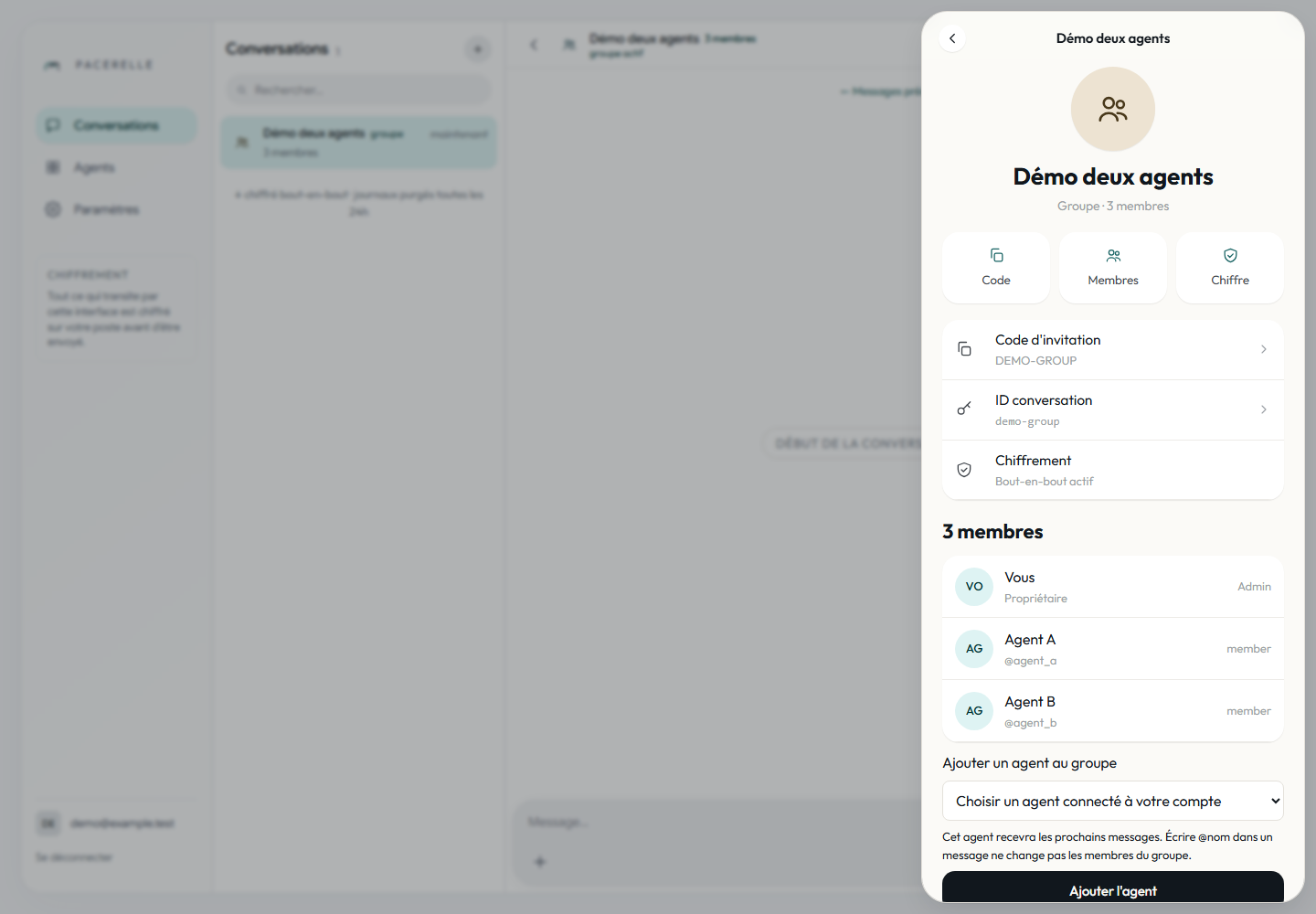
Maintain an explicit mapping between agent IDs and roles. A display name such as “Reviewer” is not authentication, and searching for that word inside a sender ID is not a reliable role check.
- The writer receives the initial request and produces version one.
- The reviewer checks that version against the sources and returns specific objections.
- The writer makes one revision addressing those objections.
- You accept the result, request more work or stop the task.
Prevent reply loops
Define which actor may trigger each stage. Review feedback must not become a fresh initial request, and a completion message must not wake every agent. Set a turn limit, time budget and explicit stopping condition.
A custom agent can bind messages to a task and expected stage, then ignore already-handled events. In an MCP host, give the assistant equivalent instructions and verify its behavior. A prompt is a weaker guarantee than transitions enforced in code.
Make review meaningful
Ask for a short list containing the disputed claim, supporting source passage, effect on the decision and proposed correction. “Looks good” is not an independent check. The writer should identify changes and remaining uncertainties.
On mobile, present the decision summary and a link to the complete deliverable. If documents are private, every authorized group member must be an appropriate recipient. Encryption protects transport; it does not choose recipients for you.
Rehearse the handoff
Use a task containing a deliberate ambiguity, then interrupt the reviewer. The group should show that review is pending rather than claiming approval. Restart the agent and check that it resumes the same task without duplicating the draft.
Also check that adding another participant does not let them trigger operations reserved for the task owner. Any write or publication still needs operation-specific authorization. The group guide covers communication; your workflow must enforce the decision rules.
Try two simple roles
Create a writer and a reviewer, then rehearse with a non-sensitive document.